How UnitedTV Works
From Plan to Setup, Made Clear
Choose an available plan, create your account and complete checkout through the authorized integration. Then follow the setup guidance for your compatible device. Timing and service details depend on confirmed business processes.
Three Steps to Get Started
Review your options, complete your order and use the guidance for your device. Check confirmed plan details before subscribing.
1
Choose an Available Plan
Compare the plans currently offered and review their stated billing terms and connection details.
2
Create Your Account and Check Out
Enter your account details and complete checkout through the authorized integration.
3
Follow Device Setup Guidance
Check that your device is compatible, then follow the relevant setup guide using the details provided for your subscription.
4
Check Your Account for Updates
Refer to your account or support information for confirmed next steps; setup timing depends on the applicable business process.
Know What to Check Before You Choose
Use confirmed plan and device information to decide what fits. Availability, timing and service details depend on the applicable business processes.
Plan Availability
Check which subscription options are currently available before selecting one.
Billing Terms
Read the stated price, billing period and renewal terms shown for your chosen plan.
Connection Details
Confirm the number of connections stated for the plan rather than assuming additional devices are included.
Device Compatibility
Check the supported-device information and relevant setup guide before you subscribe.
After checkout
Know what to do next
Once you complete checkout through the authorized process, check your account and any information provided with your order for the next steps. The instructions you receive, any required account details, and when service becomes available depend on UnitedTV’s confirmed process. When you have the information you need, follow the setup guide for your compatible device.
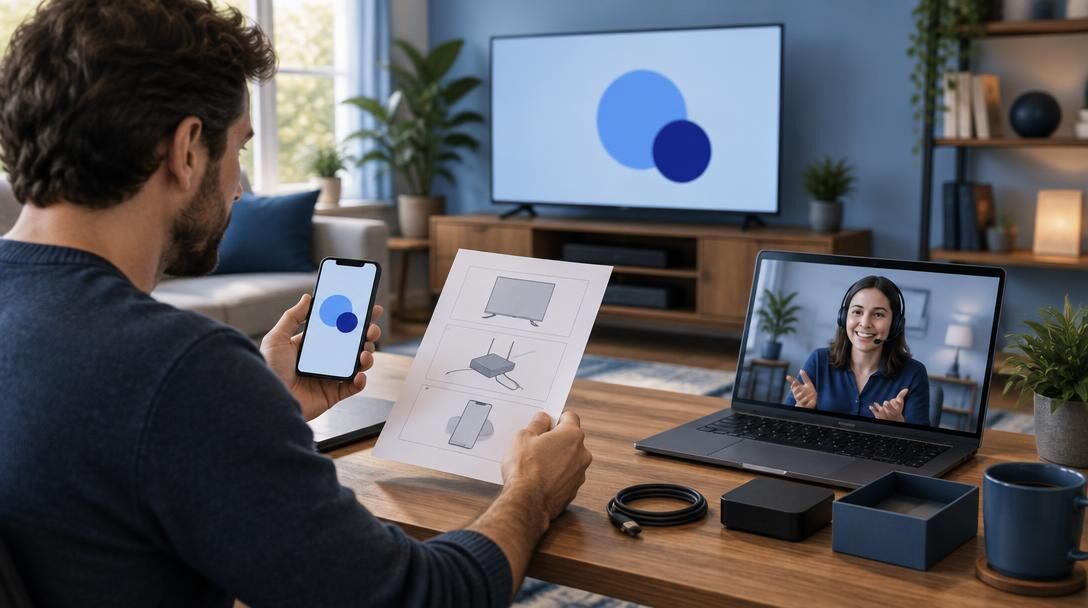
Follow the guide for your device
Before you begin, check the Supported Devices page to see whether your device and intended setup are listed. A television, streaming device, phone, or tablet may require different steps; do not assume that instructions for one device will work on another.
Open the guide that matches your compatible device and follow each step in order, using only the account or setup details supplied through UnitedTV’s confirmed process. If a guide calls for an app or a setting that is not available on your device, pause rather than substituting an unlisted option.
If you cannot find a guide for your device, or your instructions do not match what you see on screen, visit Support before continuing. Setup requirements and available assistance depend on the device and verified service details.
Questions about getting started
Find straightforward answers about plans, checkout, and device setup. For details specific to your order, refer to your account and UnitedTV’s current support information.
How do I choose a plan?
Compare the plans currently shown on the Plans page, including their displayed terms and any listed connection details. Choose the available option that fits your needs, and review its confirmed details before checkout.
Do I need to create an account?
Follow the account registration steps presented during the authorized signup process. Use an email address you can access so you can review information associated with your order.
Where do I complete checkout?
Complete payment only through the authorized checkout reached from UnitedTV’s plan selection process. Review the order and billing terms shown there before submitting it; do not enter payment information into a setup guide or support message.
Will my device work with UnitedTV?
Check the Supported Devices page and the relevant setup guide before choosing a setup. Compatibility depends on the specific device and configuration, so an unlisted device or method should not be assumed to work.
What should I do after checkout?
Check your account and any order information for the next steps provided through UnitedTV’s confirmed process. When the required details are available, use the guide for your compatible device. Timing and instructions may vary.
Where can I get help with setup or my order?
Start with the matching setup guide for device questions. If you still need help, use the contact options listed on UnitedTV’s Support or Contact page and include the relevant order details without sharing your password or payment information.
Phone
For plan questions, visit the Support page.
For account or checkout help, use the Contact page.
Address
For help setting up a compatible device, see the Setup Guides. Contact options and response times are provided through confirmed support channels.
Find the Plan That Fits
Review available plans and confirmed terms before creating an account and completing checkout through the authorized integration. Service details and timing depend on confirmed business processes; activation timing is not guaranteed.